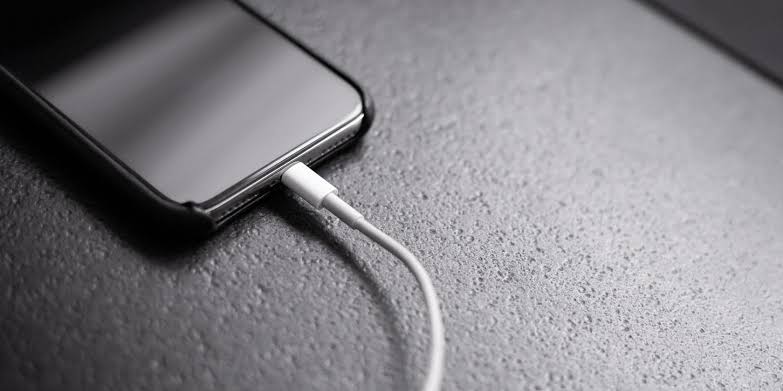

When you’re done charging your phone, you might ask: should you unplug the charger from the wall first, or disconnect your phone first? It may seem like a minor detail, but this small step actually matters.
Tech experts recommend unplugging the charger from the wall before removing the phone. Doing this reduces the risk of minor electric shocks or wear on the charging components. This is especially important if your hands are damp or the environment is humid.
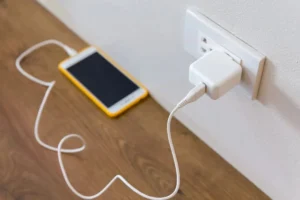
Even though most modern devices come with safety features, this habit adds an extra layer of protection and could help your charger and phone last longer. If you’ve ever seen a spark or felt a slight zap while unplugging, this simple switch in habit can help avoid that.
Your phone’s battery is central to its performance, and caring for it properly ensures your phone lasts longer during the day and over time. Here are practical tips for maintaining battery health:
Avoid charging to 100% or draining to 0%.
Lithium-ion batteries work best when they stay between 20% and 80%. Charging to the extremes regularly speeds up battery wear and reduces overall lifespan.
Use original or certified chargers only.
Bargain chargers may look like a good deal but can cause overheating or long-term damage. Stick with manufacturer-approved or safety-certified chargers.
Keep your phone cool.
Avoid direct sunlight and don’t use your phone heavily while it charges. Excess heat is one of the fastest ways to degrade battery performance.
Turn off what you’re not using. Features like Bluetooth, GPS, and WiFi use power even when idle. Disabling them when unnecessary reduces battery strain and extends time between charges.
Enable battery saver mode
This setting cuts down background activity and helps your device last longer on a single charge.
Battery health affects how long your phone stays powered and how smoothly it runs. A worn-out battery can slow down your phone, cause random shutdowns, or limit your ability to work, browse, or communicate effectively.
There are also safety concerns. An old or damaged battery might overheat, swell, or even pose fire risks. This becomes more likely if you use cheap or unapproved accessories.
Finally, take care of your charger. Avoid bending the cable sharply or wrapping it too tightly, this weakens internal wiring. Store it loosely and away from heat, moisture, or metal surfaces that might corrode or short-circuit it.
Inspect your cables regularly. If you see fraying, cuts, or exposed wires, stop using them immediately. A damaged cable can not only harm your device but also create a fire or electrical hazard.
Smart charging habits don’t just protect your phone—they protect you too.